

Contact support
How to reach a human, what to include, and how fast we answer.
From the app
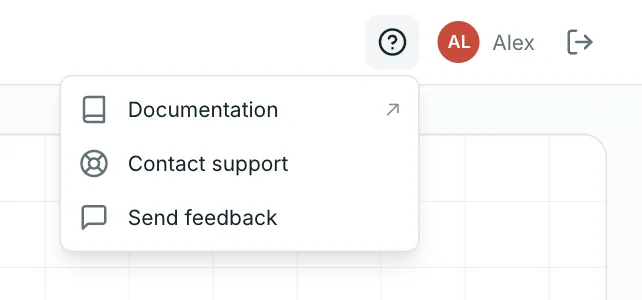
Open the Help menu — the ? button at the top on desktop, or the More tab (or Menu) on mobile — and choose Contact support. Describe what you were trying to do and what happened instead; we automatically include the page you were on (never your balances or transactions).
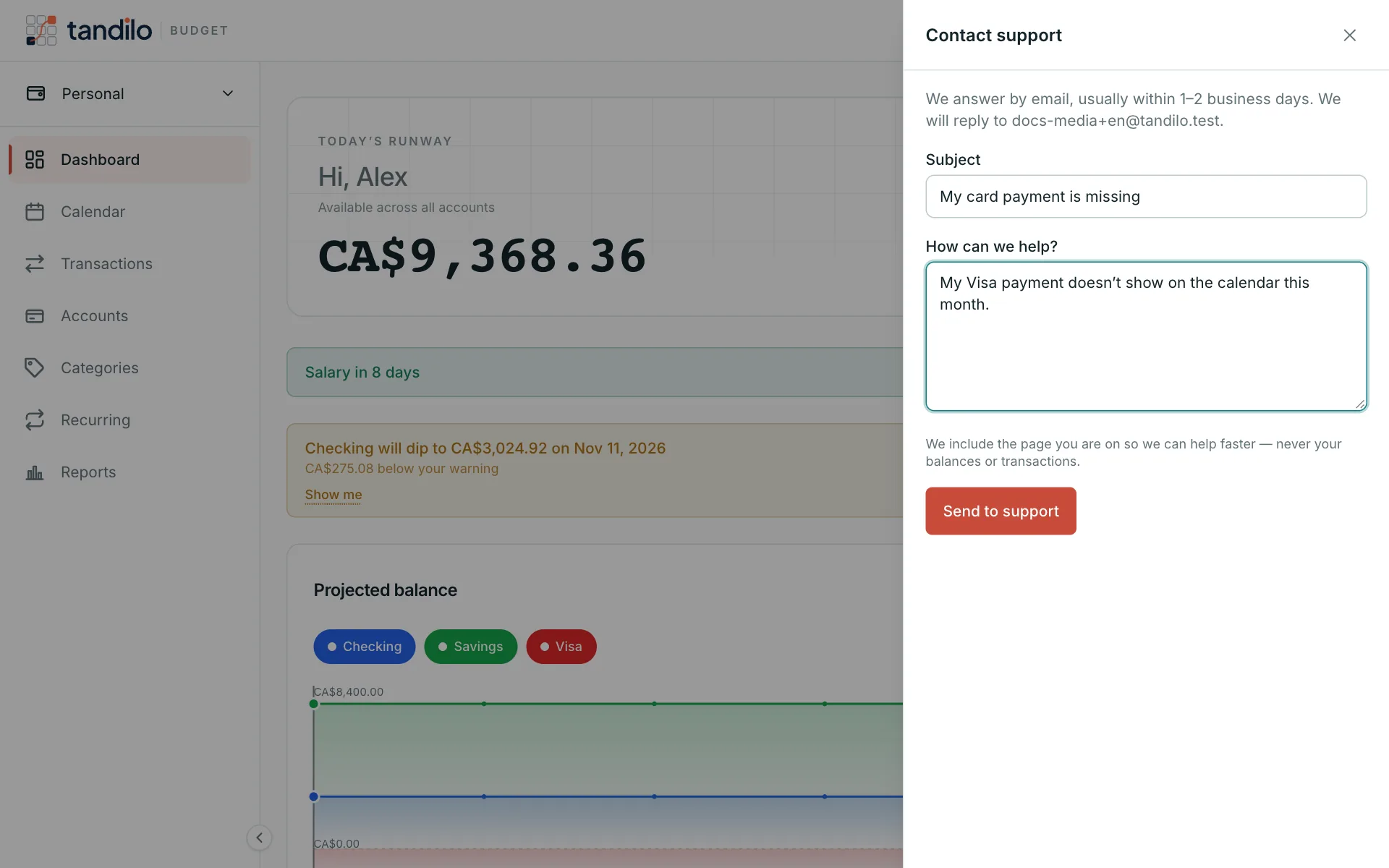
You get a confirmation email with a reference number. We reply by email, usually within 1–2 business days. Premium members are answered first.
By email
Can't sign in? Write to [email protected] from the address on your account.
Ideas and small problems
Have an idea, or noticed something odd that isn't urgent? Help → Send feedback goes straight to the team. We read every message, even when we don't reply.
Still stuck?
Write to us — a human answers every message, usually within 1–2 business days.
Contact support