

Categories and reports
Group spending, then see cash flow, spending by category and your top payees.
Categories
Every budget starts with a set of common categories (groceries, housing, salary…). Open Categories to rename them, add your own, or nest one under another — for example "Restaurants" under "Food". Reports roll sub-categories up into their parent.
Categories are optional on a transaction, but reports are more useful when most things have one.
Reports
Open Reports to see:
- Cash flow — money in, money out and net, by month or by week;
- By category — where the money goes (or comes from);
- Top payees — who you pay most over the last 90 days.
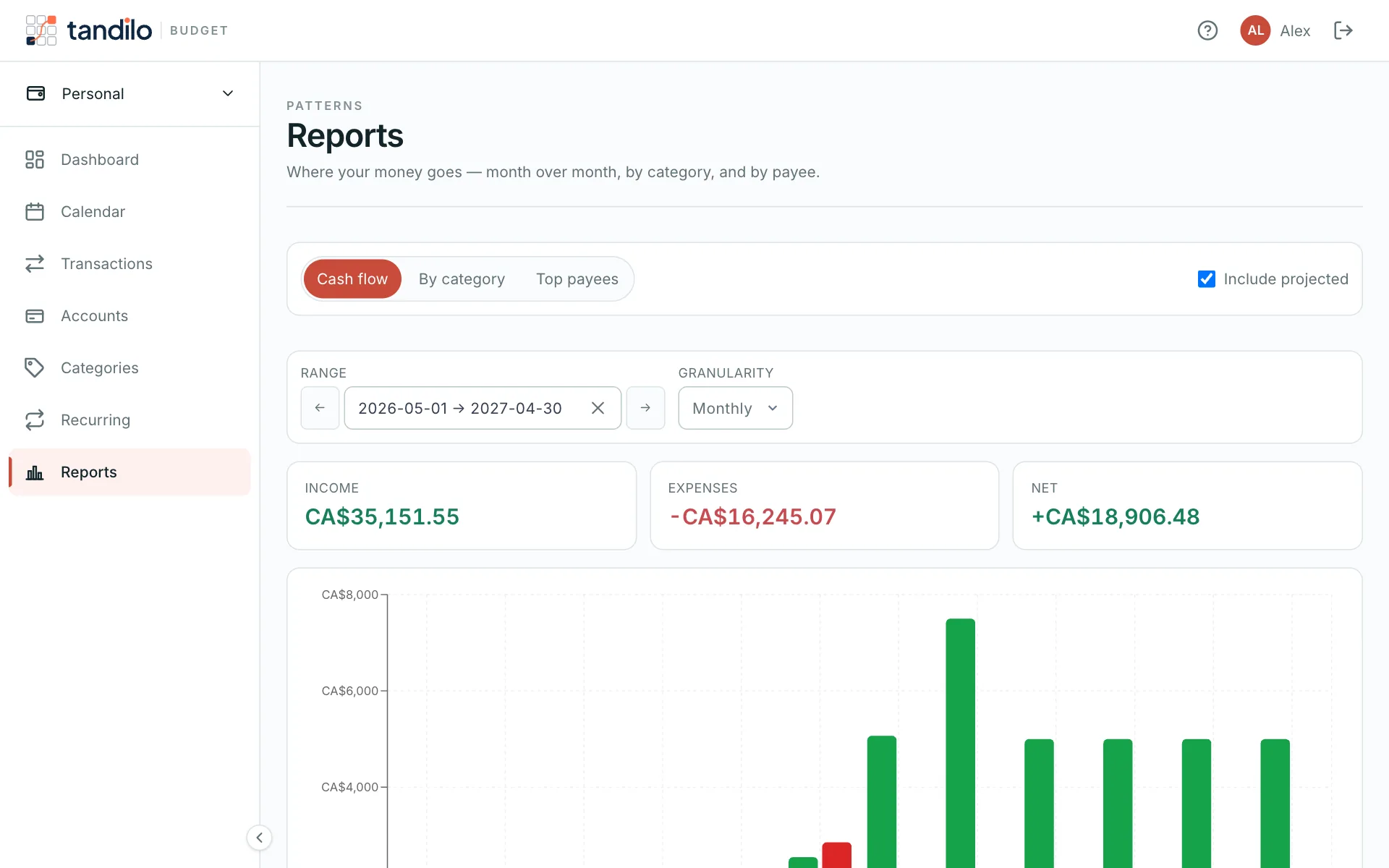
Include projected adds the recurring items that haven't happened yet, so you can compare this month's plan with last month's reality.
You can also get a short monthly report by email on the 1st of each month.
Still stuck?
Write to us — a human answers every message, usually within 1–2 business days.
Contact support